 Coinstats
Coinstats imported trades and purchase price checks
Coinstats profit and loss depends on the transaction history behind each holding. Before interpreting a gain, match imported purchases and sales against your account records, including their quantities, prices, and dates. A correct balance can coexist with missing purchases, so balance agreement alone cannot establish an accurate cost basis.
Updated onStart with the asset whose return looks wrong and the account where its purchases occurred. The useful comparison is between recorded transactions and actual executions, rather than between two portfolio totals that may use different histories.
Missing purchases change the profit calculation
When imported history starts after an acquisition, the displayed balance may contain assets without their original purchase records. Some connections supply balances without transaction history; others restrict the history available for import. Compatibility therefore includes the relevant transaction type and historical coverage, beyond whether the account connects successfully.
A Fill transaction can reconcile a difference between imported activity and the reported balance. Its assigned date can also affect the historical chart. Treat that entry as a reason to investigate the missing history: it does not establish when every underlying purchase occurred. Portfolio tracking can show a plausible quantity while the acquisition history still needs correction.
Which imported entries should I check first?
Check the earliest purchase supporting the affected holding, then the sales that consume it. For cost calculations, Coinstats matches the earliest purchases with the earliest sales. An omitted early purchase can therefore affect the cost assigned to a later sale, even when more recent transactions appear correct.
Match each entry to an execution record using its asset, transaction direction, quantity, and timestamp. An order total may summarize several executions. Comparing that total with an individual execution can create an apparent discrepancy before any import error exists. Preserve the distinction between the order and its constituent trades.
Then examine the purchase price and the currency in which the transaction expresses it. Unit price and total consideration describe different quantities. The relationship is quantity multiplied by unit price, before separately recorded charges. An imported number that looks familiar can still represent the wrong field or currency.
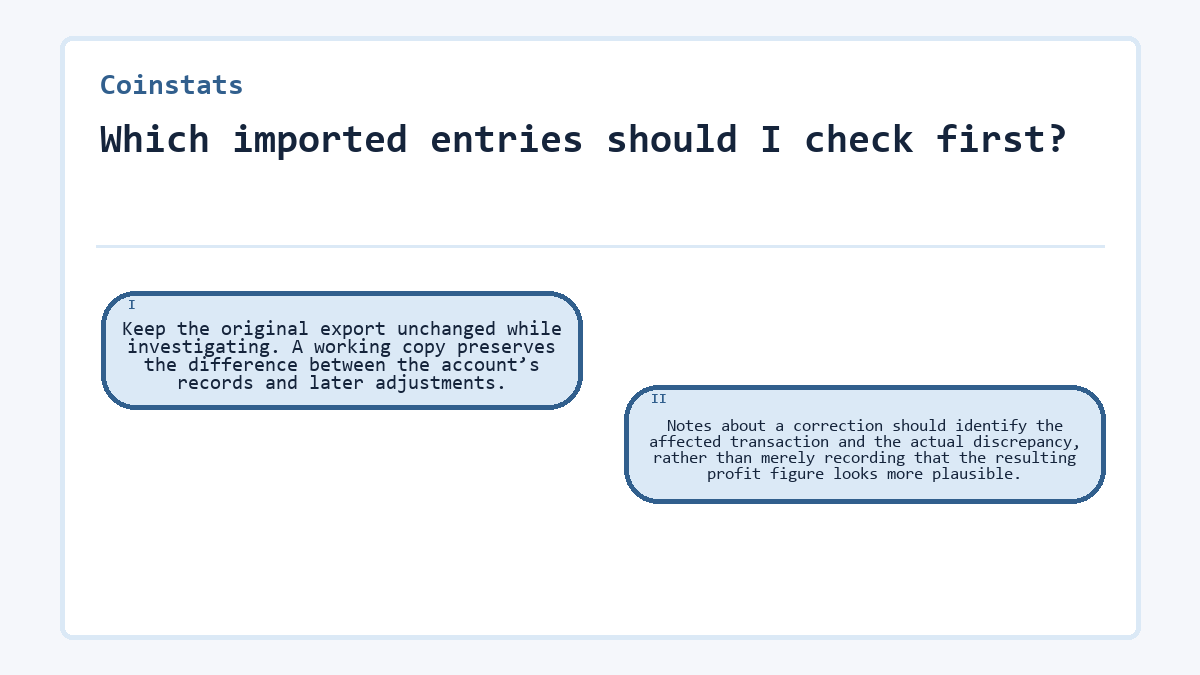
Keep the original export unchanged while investigating. A working copy preserves the difference between the account’s records and later adjustments. Notes about a correction should identify the affected transaction and the actual discrepancy, rather than merely recording that the resulting profit figure looks more plausible.
Transfer prices can differ from original purchase prices
Including transfers in P/L treats incoming transfers as buys and outgoing transfers as sells. A transfer’s assigned price may reflect its market value at receipt or a custom value. That price need not equal the earlier purchase price in another account. Excluding transfers changes which activity contributes to P/L; it does not restore absent purchases. Choose the treatment that matches the activity being measured, without using the setting solely to produce a preferred return.
A missing purchase recovered through a compatible CSV
Consider a hypothetical account whose connected portfolio shows its balance but omits an earlier purchase. Assume the account export contains that purchase and the later sale. Compare whether automatic synchronization or CSV import can recover the missing trade history. The required starting material is the original export, including quantities, execution prices, and dates.
First establish whether the connection supports that missing period and transaction type. Wait if an import covering those records is still processing. If its historical coverage excludes the purchase, another refresh does not resolve that compatibility limit. A CSV offers a separate import path when its fields match a supported format; CSV imports appear as a manual portfolio.
In this example, the export’s layout needs conversion to the accepted template before import. Preserve the original values while mapping their meanings. Stop if the purchase’s price denomination cannot be established: substituting today’s price would manufacture an acquisition cost. Once the export identifies the denomination and the purchase can be represented without guessing, import the converted file through the CSV option under Connect Portfolio in Coinstats.
The completed import contains the previously missing purchase and the later sale, with their quantities, prices, price denominations, and dates matching the export. Review this manual portfolio separately from the connected copy so overlapping holdings do not distort the comparison. A successful upload message alone would not establish that result.
Can I edit every imported transaction?
The transaction edit function is available for Manual and Fill transactions, rather than every automatically synchronized entry. That distinction determines whether a correction can happen directly in the transaction record. A missing edit control on a synchronized trade does not establish that its price is correct.
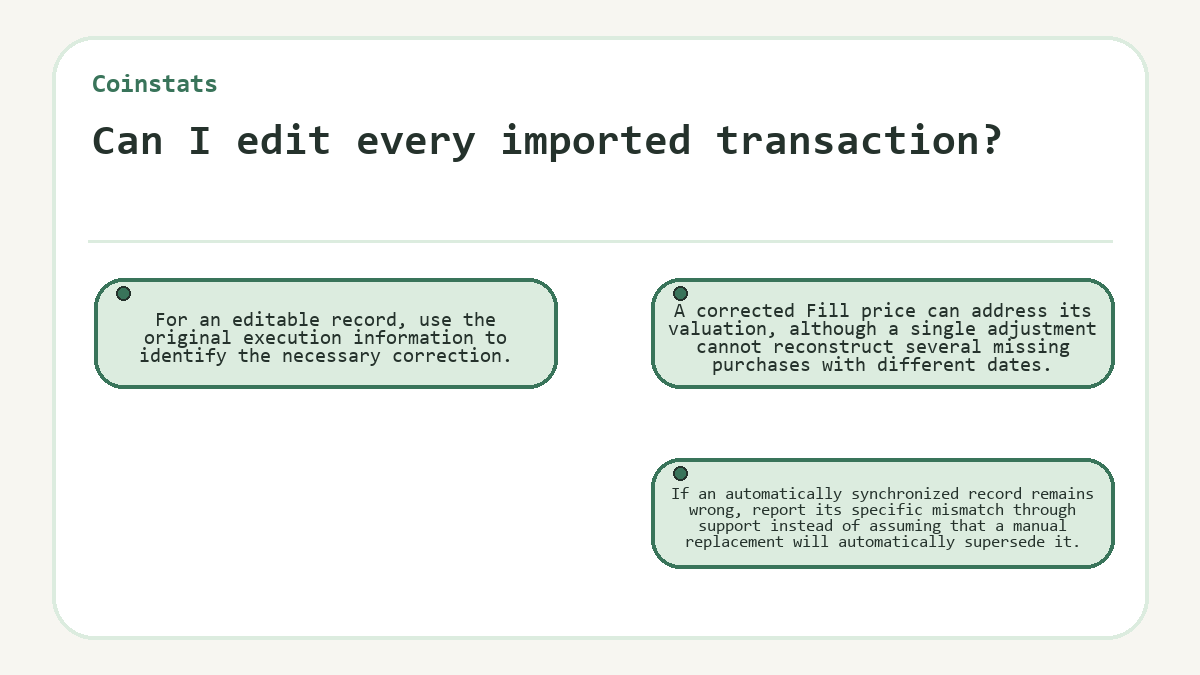
For an editable record, use the original execution information to identify the necessary correction. A corrected Fill price can address its valuation, although a single adjustment cannot reconstruct several missing purchases with different dates. If an automatically synchronized record remains wrong, report its specific mismatch through support instead of assuming that a manual replacement will automatically supersede it.
Keep duplicate records separate from legitimate activity when deciding what contributes to P/L. Individual transactions can be excluded from that calculation. Exclusion addresses calculation participation; it should not be treated as evidence that an imported balance, historical chart, and transaction list all changed identically.
The boundary between reconciled trades and an unexplained total
A reconciled trade has a matching asset, direction, quantity, execution price, price denomination, and execution date. The sale’s assigned purchase cost must also follow the applicable calculation method. Check recorded fees against the export: Coinstats includes buy and sell fees in Realized and All Time P/L, but excludes them from Unrealized P/L. Compare the same account scope and P/L measure before interpreting a remaining difference. Price feeds, rounding, transfer treatment, and update timing can make an exchange’s displayed total differ.
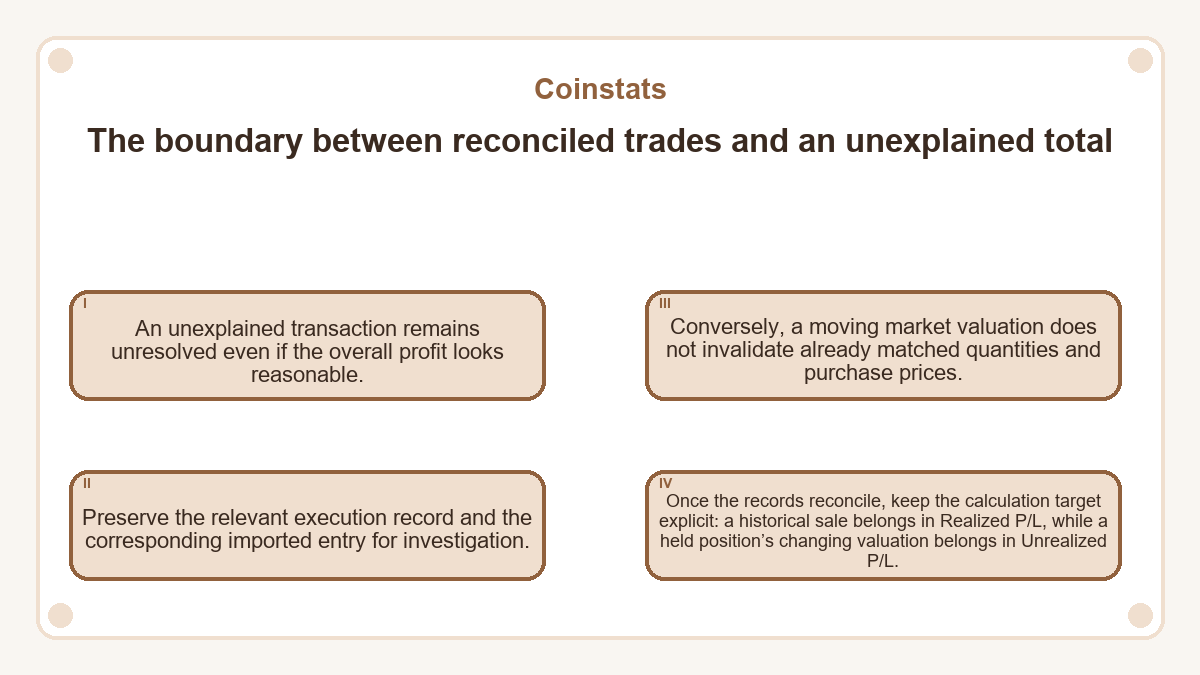
An unexplained transaction remains unresolved even if the overall profit looks reasonable. Preserve the relevant execution record and the corresponding imported entry for investigation. Conversely, a moving market valuation does not invalidate already matched quantities and purchase prices. Once the records reconcile, keep the calculation target explicit: a historical sale belongs in Realized P/L, while a held position’s changing valuation belongs in Unrealized P/L.
Everyday questions about Coinstats
Does a CSV file need the same column layout as the import template?
A CSV must use a supported format, or its data needs conversion to the accepted template. The template includes fields for the asset symbol, exchange, pair, transaction type, amount, price, fee, date, and notes. Preserve each field’s meaning during conversion; renaming a column does not resolve an ambiguous value.
What does the CSV transaction type balance represent?
The template maps balance to a Fill transaction. It maps buy to Buy and deposit to Received, so those labels are not interchangeable ways to record an incoming quantity. Classify an entry by the actual event represented in the account history, rather than choosing whichever label makes the portfolio total agree.
Can an execution near midnight appear on a different date in an export?
The same execution can have different calendar dates when timestamps use different time zones. Compare the full timestamp and its stated time zone before treating the entries as separate trades. Keep the original timestamp information during reconciliation. Changing a date merely to match the calendar display can conceal the actual relationship between the records.
Do multiple imported rows necessarily mean a trade was duplicated?
Multiple rows do not establish duplication by themselves. An order may execute in separate fills, and an export may record charges separately. Compare execution identifiers where available, together with quantities, timestamps, and transaction types. Similar-looking rows should only be treated as duplicates when they represent the same underlying event, rather than distinct executions or accounting entries.
What happens if imported sales exceed the purchases in the history?
Sales exceeding the recorded acquisitions indicate that the history needs reconciliation before its trading profit can be interpreted. Possible explanations include missing earlier purchases, transferred assets, or duplicate sales. The mismatch does not identify its own cause. Compare the quantities with the original account history, and avoid inventing a purchase price solely to make the records balance.
Will changing market prices prevent a purchase price check?
Changing market prices do not prevent comparison of an imported purchase with its execution record. Hold the historical quantity, purchase price, and denomination constant during that comparison. Unrealized P/L can continue changing because it uses the value of remaining holdings. Price alerts concern market movement and do not confirm that historical purchase data is complete.