 Coinstats
 CoinStats price alerts and custom trigger settings
CoinStats price alerts notify you when a selected coin meets a configured price condition. For a particular level, use a custom Price Limit alert and review its direction and repeat setting. Automatic movement notifications serve a different purpose: they flag changes across coins in your portfolio or favorites. Receiving a notification gives you a reason to inspect the market; it does not execute a trade or reserve the displayed price.
Updated onCustom setup and missing notifications
On mobile, open Alerts, select Custom, and create a Price Limit alert. Choose the coin, exchange pair, condition, target, and frequency before saving. The setup also supports an optional note.
If the configured price condition has been met but no notification appears, check whether notifications are disabled for CoinStats. Changing the target will not resolve a disabled notification permission. If permission is disabled, enable it first. On iPhone, immediate delivery and Scheduled Summary are separate choices, so permission alone does not establish when a notification will appear. Keep the intended price condition unchanged while correcting the delivery setting. Delivery is confirmed only when a subsequent qualifying notification appears.
Does a price alert execute a trade?
A price alert sends a notification without placing an order. Any subsequent trade requires a separate action, with its own available price and execution conditions.
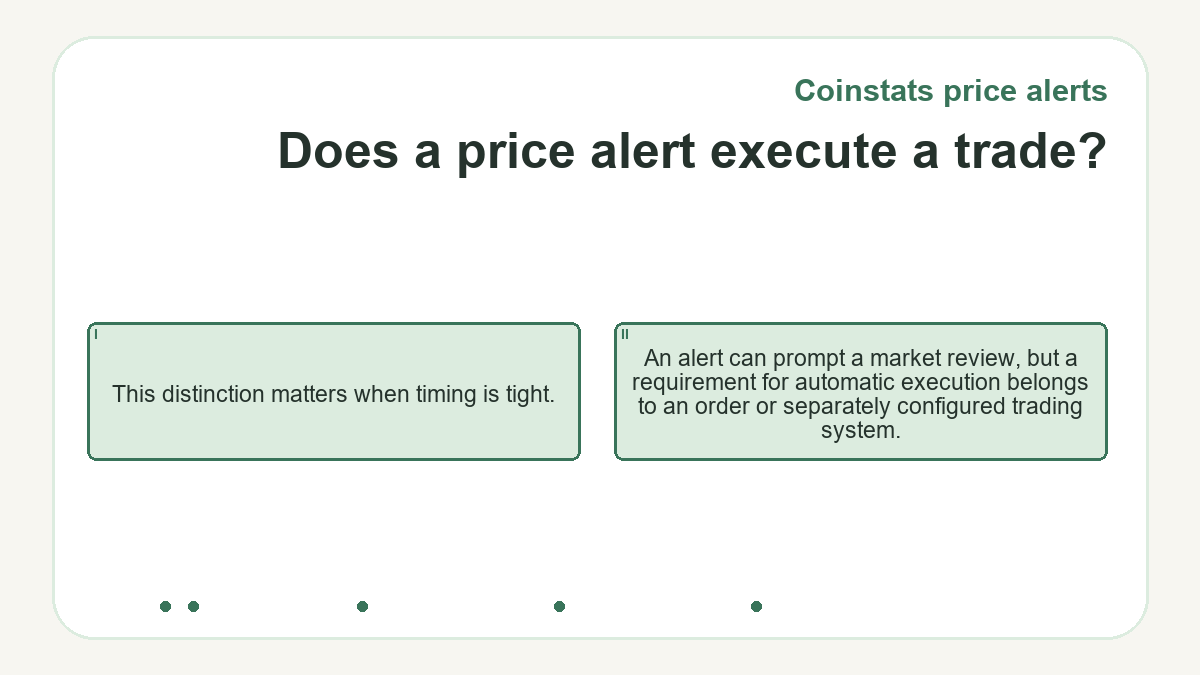
This distinction matters when timing is tight. An alert can prompt a market review, but a requirement for automatic execution belongs to an order or separately configured trading system.
Price levels, percentage moves, and automatic monitoring
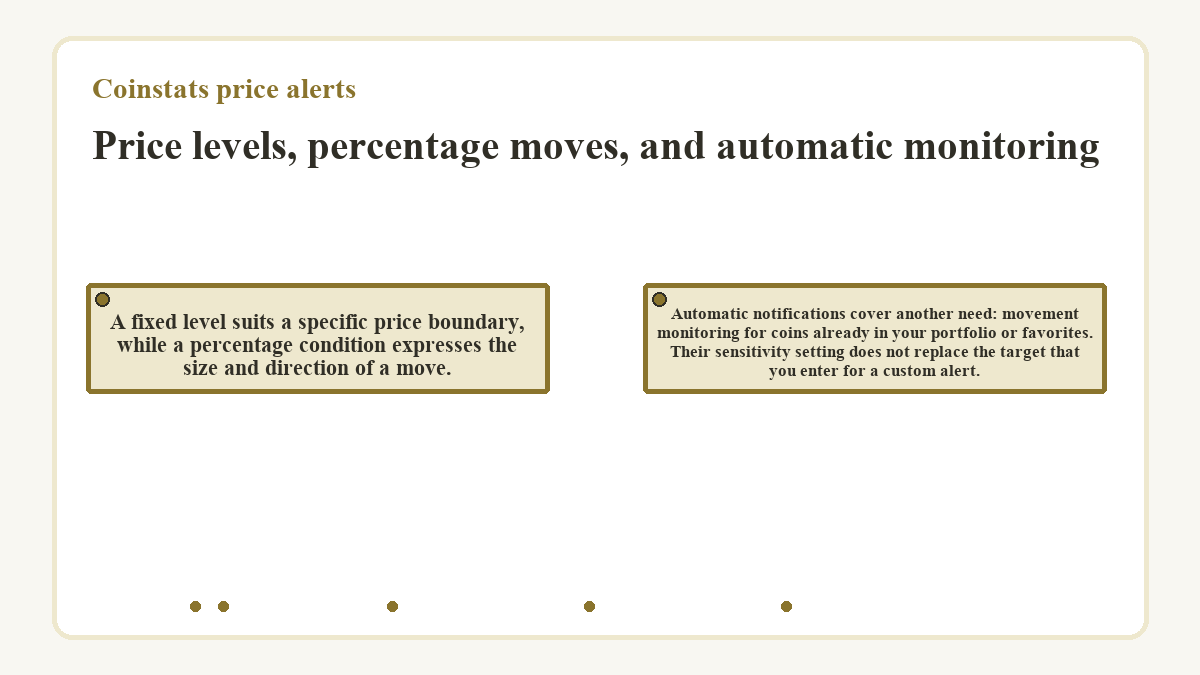
A fixed level suits a specific price boundary, while a percentage condition expresses the size and direction of a move. Automatic notifications cover another need: movement monitoring for coins already in your portfolio or favorites. Their sensitivity setting does not replace the target that you enter for a custom alert.
| Alert option | Trigger condition |
|---|---|
| Custom price level | The selected above-price or below-price condition |
| Custom percentage alert | The configured percentage increase or decrease |
| Automatic price notification | A movement threshold that varies with the coin and sensitivity |
The exchange pair behind the threshold
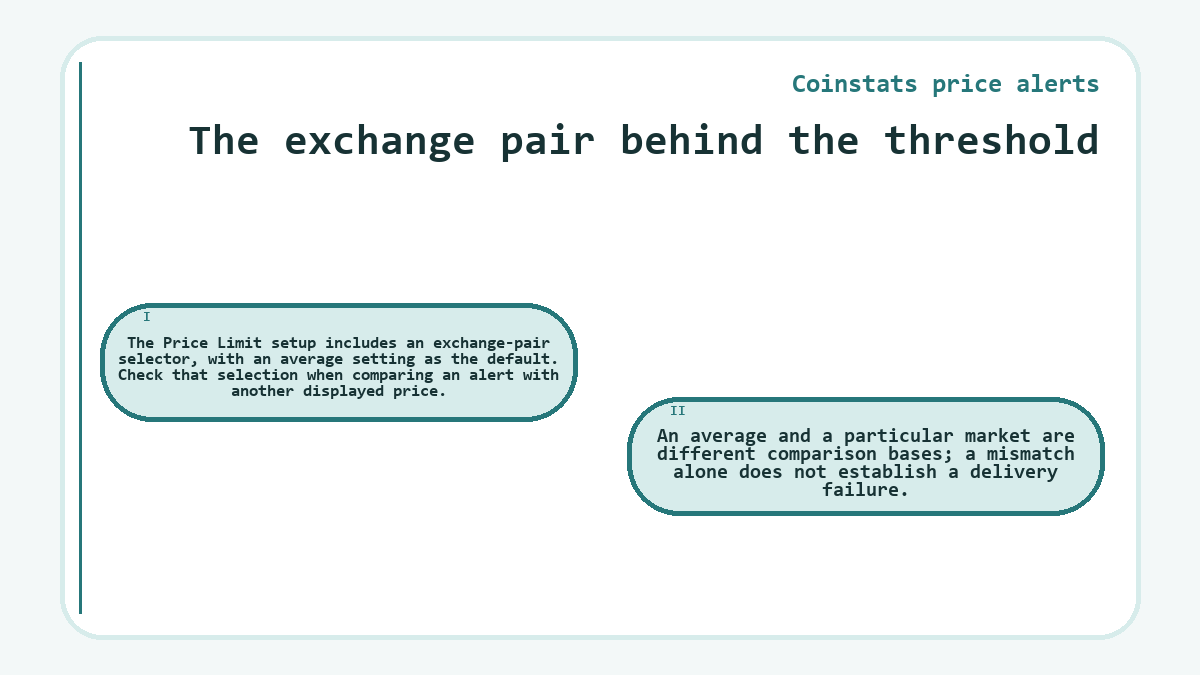
The Price Limit setup includes an exchange-pair selector, with an average setting as the default. Check that selection when comparing an alert with another displayed price. An average and a particular market are different comparison bases; a mismatch alone does not establish a delivery failure.
Direction and repeat settings
For an alert by price, a target at or below the current price selects a below condition. A higher target selects above. Percentage alerts allow manual selection of increase or decrease. Frequency offers one-time or persistent behavior, so review it separately from direction.
Use the displayed condition as the final check of your intended boundary. A target value by itself does not express whether you want to monitor a rise or a fall.
Which devices receive custom alerts?
Custom alerts created while logged in are sent across the account’s registered devices, including web. An alert created without logging in goes only to that device. Account registration and local notification permissions therefore affect different parts of delivery.
Automatic sensitivity and unwanted notifications
Automatic price notifications monitor percentage movements over the preceding hour for coins in your portfolio or favorites. Low, Medium, and High sensitivity control how readily those movements generate notifications. CoinStats adjusts automatic movement thresholds using coin rank and volume. These alerts can be controlled through the Alerts tab, while individual coin pages provide Significant Change Notification controls. Adjusting those controls addresses automatic messages without requiring a new custom target.
Remove obsolete custom alerts when their original purpose no longer applies. Overlapping targets can produce several messages about essentially the same move. Keeping each remaining alert tied to a specific reason to check the market makes the next notification easier to interpret.
Questions and answers about Coinstats price alerts
-
Can I add a reminder about the purpose of a custom alert?
- Custom alerts support optional notes. Use the note to record what you intend to review when the alert arrives.
-
Are custom notification sounds available on iOS?
- CoinStats supports custom notification sounds for mobile alerts on iOS. Sound selection remains separate from whether the phone allows the app to deliver notifications.
-
What can hide an alert’s details on my locked iPhone?
- The Show Previews setting controls whether notification details appear while an iPhone is locked. It offers Always, When Unlocked, and Never options. Restricting previews can reduce what someone nearby sees without requiring you to change the price trigger.
-
Could Focus explain a delayed price notification?
- Focus can delay notifications on iPhone. If an alert appears later than expected, inspect the active Focus settings as well as the app’s delivery settings. A delay caused by the phone does not establish that the price condition itself was configured incorrectly.